Email Setup Instructions
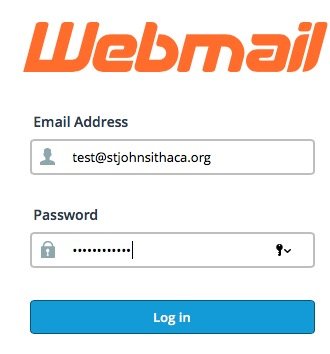
- Enter your username and password
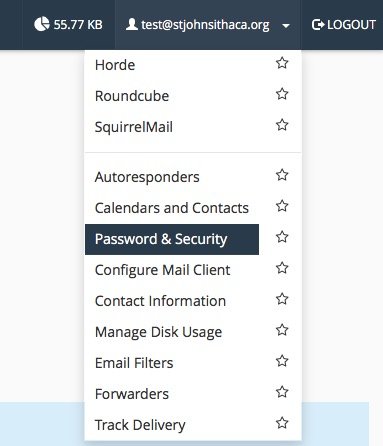
- Click/tap the inverted triangle to the right of your email address, in the upper right of your browser window
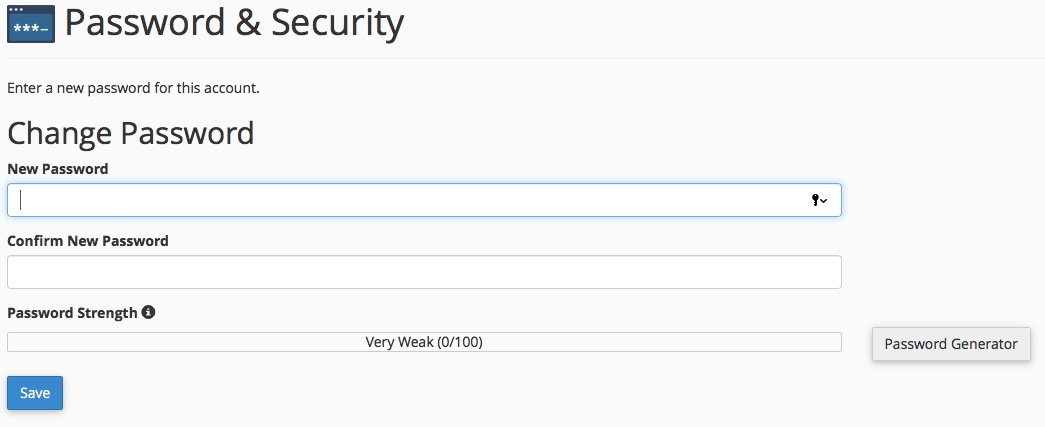
- Select “Password & Security”
- Change your password to a strong password that only you know
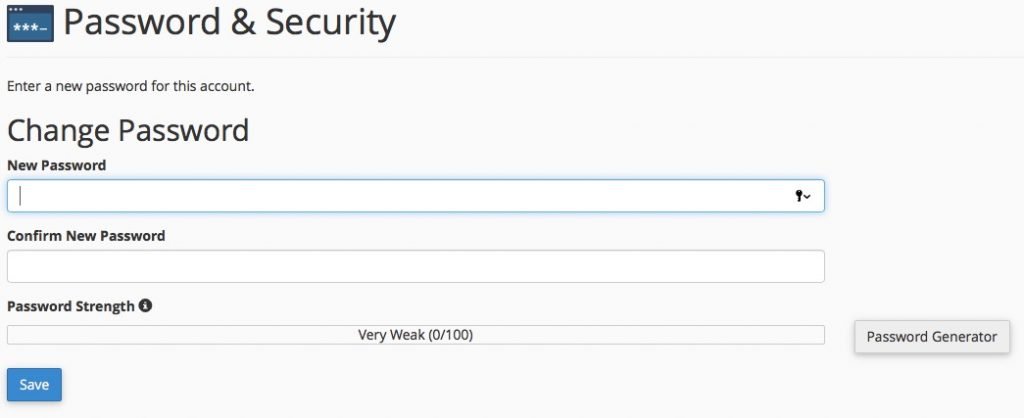
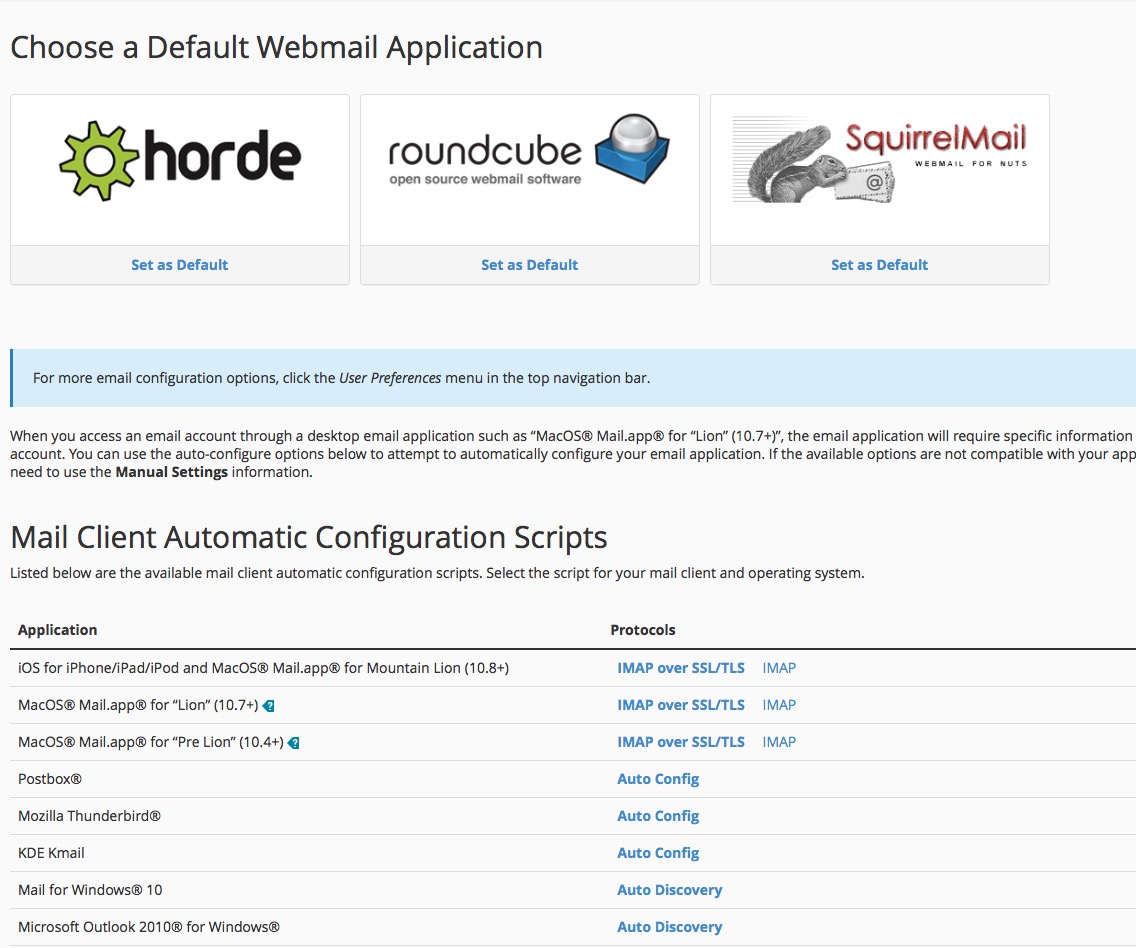
- Click/tap the the back button in your browser – you should be back at the page just after you logged in and just before you changed your password (it should look like the picture just below)
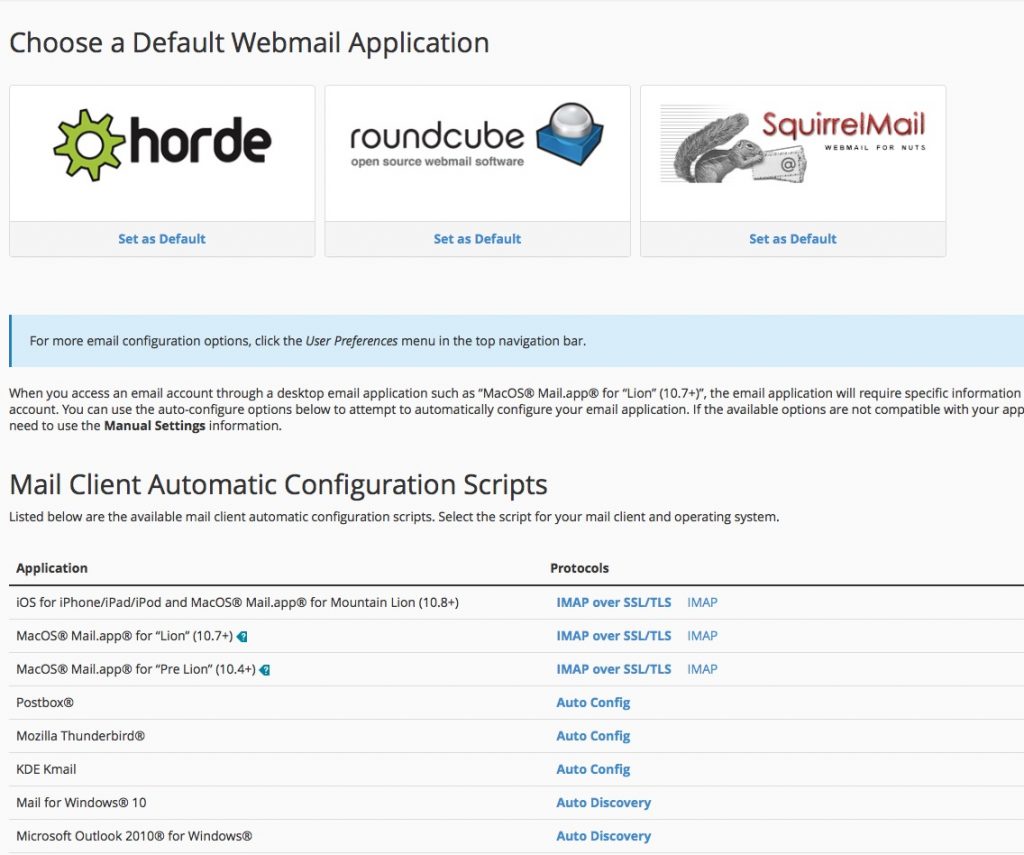
- From this page, you can:
- Configure an email client on the device you’re using to look at the webmail page
– click on the “IMAP over SSL/TLS” link for your client -or-
– refer to the “Mail Client Manual Settings” lower on the page
- select which webmail client to use (if you’re a webmail user…)